 eRAD
PACS Server
eRAD
PACS Server

eRAD
PACS Server
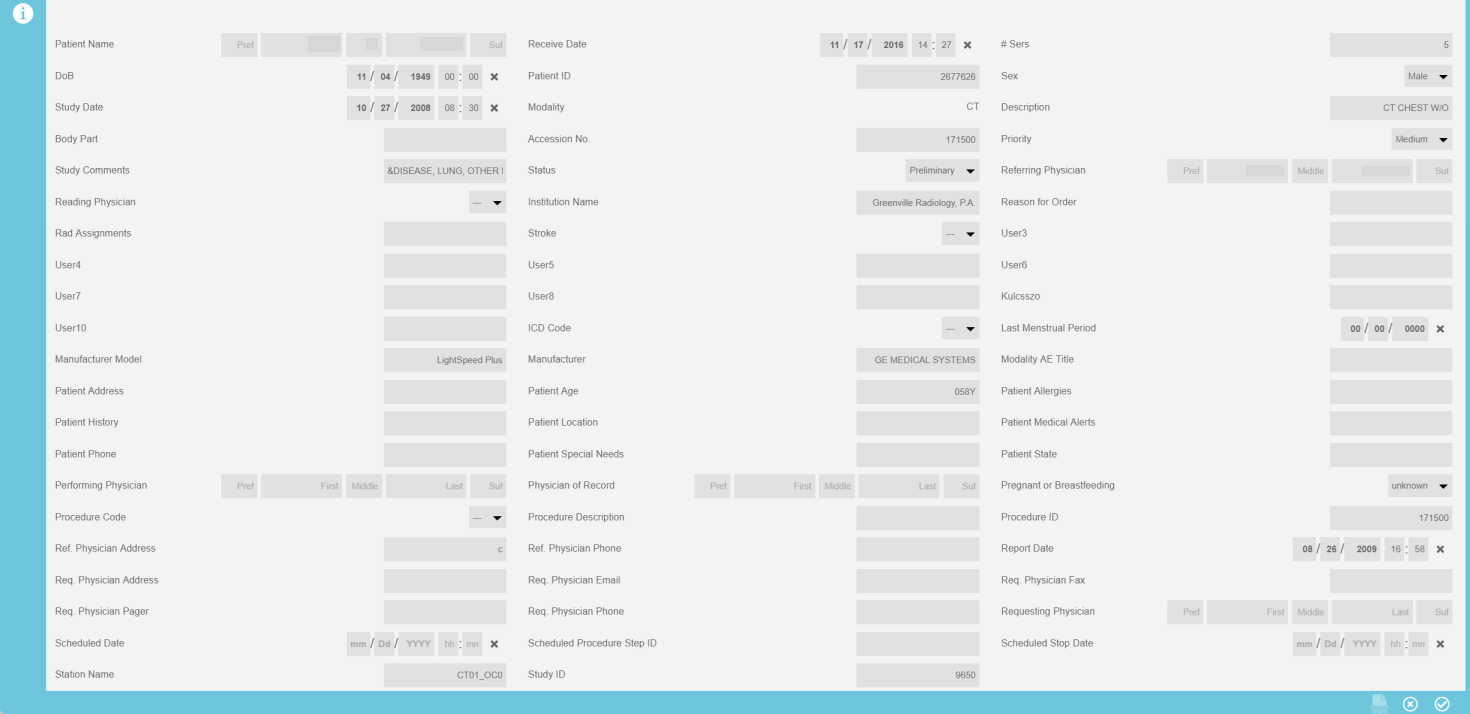
To edit patient and study demographics from the worklist:
Select the Edit
Study  icon from the worklist (if unavailable
check the selection
icon from the worklist (if unavailable
check the selection  box)
box)
Add a new value into the desired field
Select the Save
 icon
icon
Note:
There is a Shred edit  icon located
in the bottom right corner. This will force editing of all objects when
available as opposed to making a singular change. Unless there is a specific
reason for using the Shred function, it is advised to not use as it may
place a load on the system.
icon located
in the bottom right corner. This will force editing of all objects when
available as opposed to making a singular change. Unless there is a specific
reason for using the Shred function, it is advised to not use as it may
place a load on the system.