 eRAD
PACS Server
eRAD
PACS Server

eRAD
PACS Server
Study series are displayed in the web viewer in frames with the first image of the series displayed as a thumbnail.
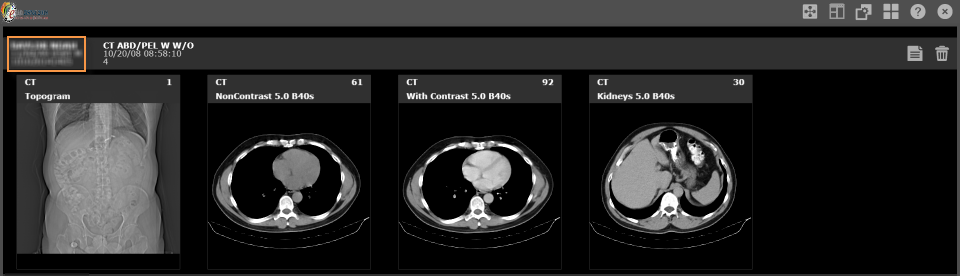
Study information is found in the upper left corner:
To view the other studies available:
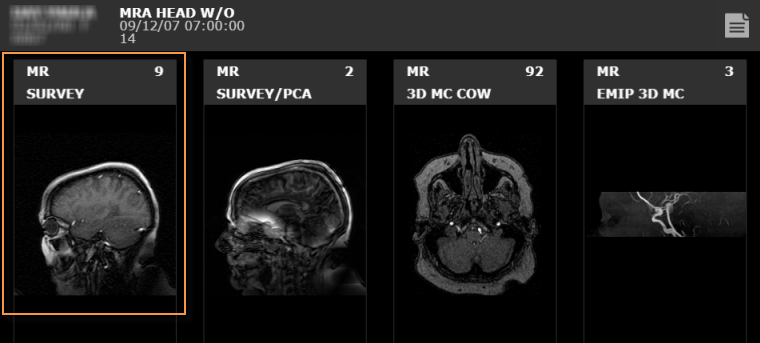
Located in the series thumbnail is the modality, type of exam and the number of images in the series.
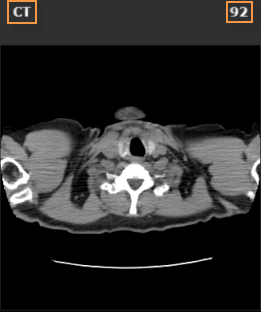

To view an individual series select the thumbnail image to display the series in a frame.
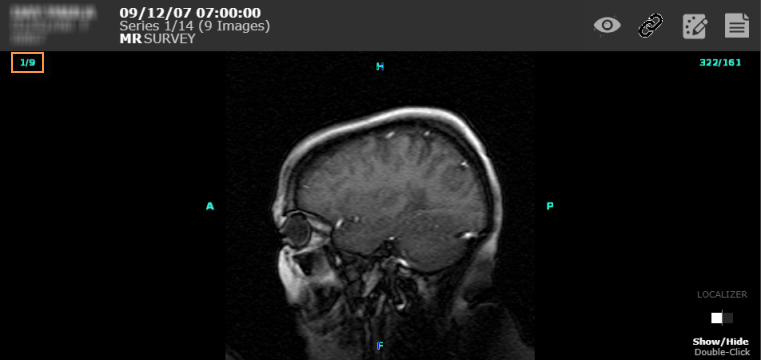
To enlarge an image or series to full screen, select the Toggle
fullscreen  icon. Pressing Escape
or the icon again will display the image in normal mode. While in full
screen mode, most functions eRAD PACS makes available on the mouse
(e.g., window/level, panning and zoom) can be applied.
icon. Pressing Escape
or the icon again will display the image in normal mode. While in full
screen mode, most functions eRAD PACS makes available on the mouse
(e.g., window/level, panning and zoom) can be applied.
To display messages regarding the status of an image, select the Toggle Status Bar  icon located on the bottom right of the screen.

Icons located in the status bar perform various functions:
 - Delete message
 - Next message
 - Previous message