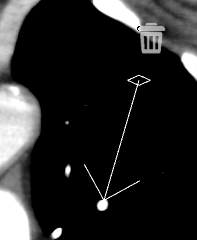
 eRAD
PACS Server
eRAD
PACS Server

eRAD
PACS Server
The annotation
tools are used to add graphics and measurements to images. To add
annotations to an image select the Create
annotations  icon.
icon.
A box will appear with all available annotations:
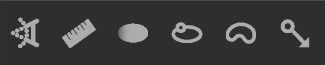
 - Measure Angle
 - Measure Distance
 - Houndsfield Value
 - Region of Interest
 - Free region
 - Pointer

To display or hide annotations, select the Toggle
Annotation  icon
icon
To delete an annotion:
Double-click on annotation
Select
the Delete  icon
icon
To modify an annotation:
Double-click on annotation
Select
the grab points  to adjust annotation (moving around on image or changing size)
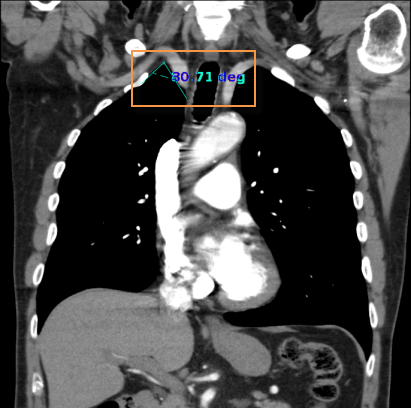
To obtain an angle measurement:
icon
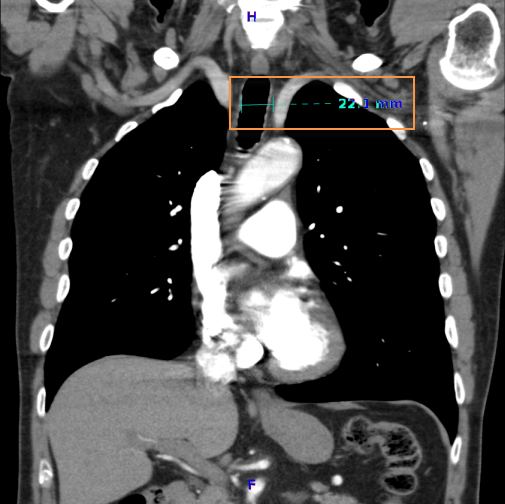
To obtain a distance measurement:
icon
The Hounsfield annotation tool creates a region of interest and calculates its average pixel value and the standard deviation on the distribution.
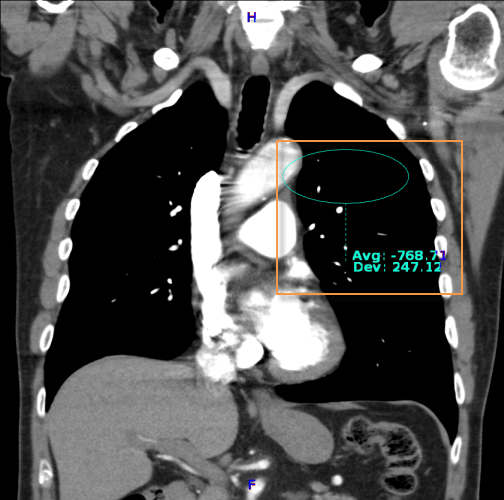
To obtain a Houndsfield Value measurement:
Select the
Hounsfield Value icon
Click on the region of interest
Drag on the mouse to encircle the area
Release the mouse button
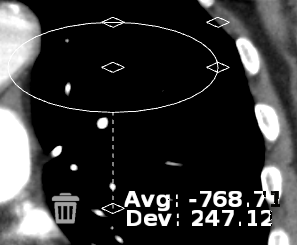
The default region of interest drawn on the image is a true circle. When resizing the ROI, maintain a true circle by using the corner grab points
The center grab point will move ROI around the image and others will elongate
or narrow.
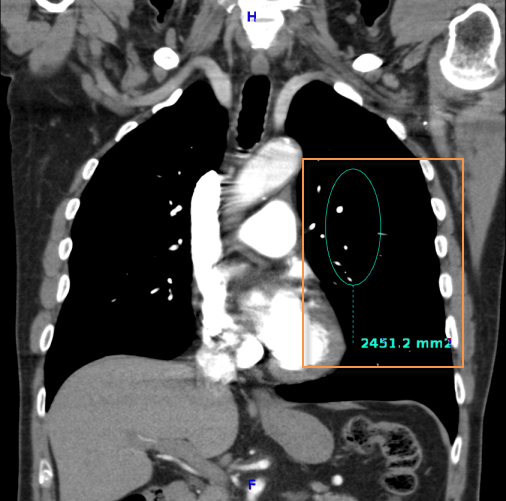
To obtain a region of interest measurement:
Select the Region of Interest
icon
Click on the region of interest
Drag on the mouse to encircle the area
Release the mouse button
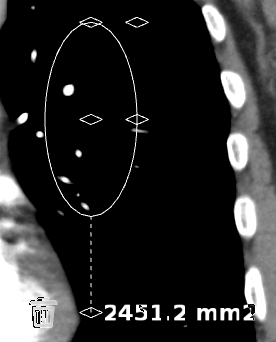
Center
grab point will move
ROI around the image and others will elongate or narrow.
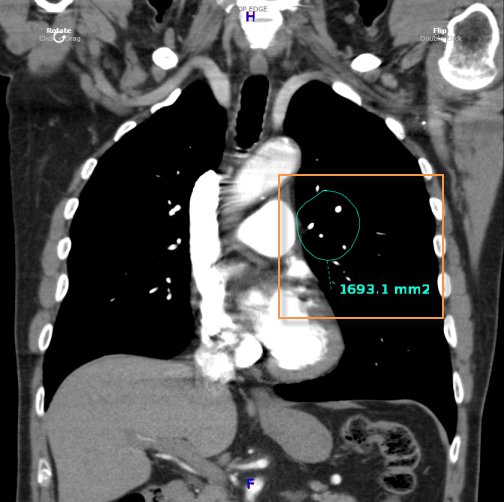
To obtain a free region measurement:
Select the
Free Region icon
Click on the region of interest
Drag on the mouse to encircle the area
Release the mouse button
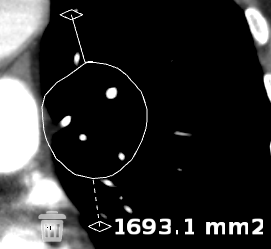
To move the whole free region, select the upper
grab point . To
extend areas of a free region, click on the desired area to reveal 3 grab
points. Selecting one of these grab points will extend the free
region to include a specific area.
To insert a pointer arrow:
Select the
Pointer arrow icon
Drag the mouse to adjust size of pointer
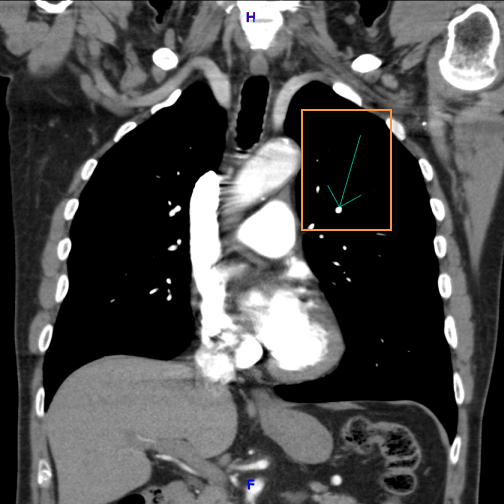
Double click
on the arrow to delete or adjust direction. Rotate
the arrow by clicking on the grab point and dragging around
itself.